
The CompSim-Geometry and Meshing Team is pleased to announce Version 17.06 of the Cubit® Geometry and Mesh Generation Toolkit. The following is a sampling of new capabilities and improvements introduced in Cubit® 17.06. See the Cubit® 17.06 Release Notes for a complete list, which includes many resolved user tickets and new capabilities developed in support of the Accelerated Model Development (AMD) initiative.
What’s New…
Meshing
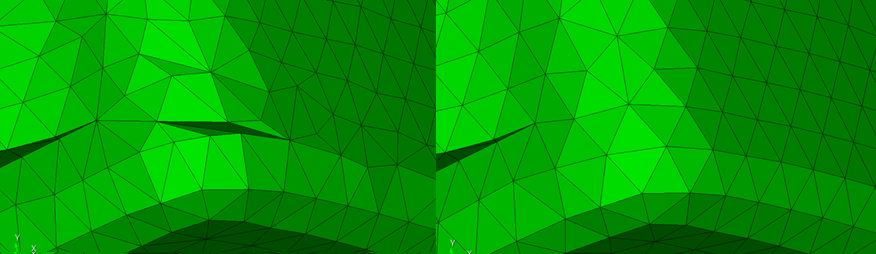
- Improved robustness of triangle and tet meshing
- Increased accuracy and precision when computing mesh quality metrics
- New mesh quality metrics for higher order elements
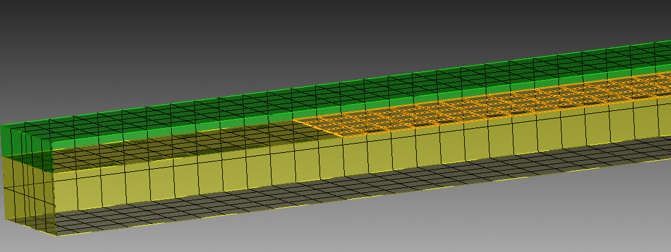
- New cohesive element generation for crack propagation and cohesive interfaces
Graphical User Interface
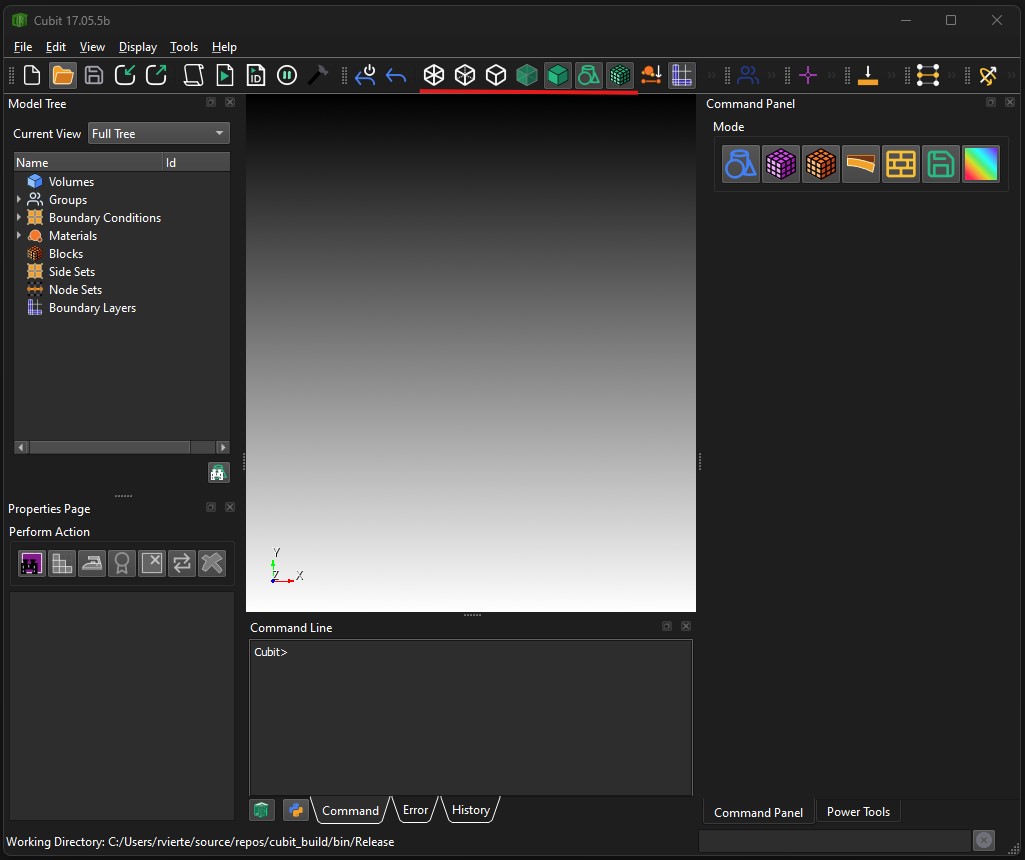
- Dark Mode Support
- PNG default for shortcut when saving image file of graphics view
- Journal editor enhancements
Input/Output
- New support for additional ABAQUS cards when importing files
- New 64 bit ID support in Exodus files
Miscellaneous
- Updated Python 3.12 version included in distribution
- Improved documentation for Python API
- More robust cavity selection
How to Get it…
Cubit® is available to anyone on the Sandia LANs. Cubit® 17.06 will now run automatically from the Linux command prompt, replacing Cubit® 17.04. It is also licensed free of charge for government use outside of Sandia. If you are a current Cubit® licensed user, you may get Cubit® 17.06 by visiting and following the instructions on the Cubit® Download page. See Cubit® Licensing for information on obtaining a license.
How You Can Learn More…
The Cubit® 17.06 Release Notes provide a description of all the new features included in Cubit® 17.06. For detailed information follow the links to the online users manual.
Classroom tutorials are advertised on the Cubit® Tutorial Webpage, where you can also find a download for self-guided tutorials.
For more information contact, Cubit® Product Owner Ryan Viertel.
Posted in: Release Note Announcement