
The CompSim-Geometry and Meshing Team is pleased to announce Version 17.08 of the Cubit® Geometry and Mesh Generation Toolkit. The following is a sampling of new capabilities and improvements introduced in Cubit® 17.08. See the Cubit® 17.08 Release Notes for a complete list, which includes many resolved user tickets and new capabilities developed in support of the Accelerated Model Development (AMD) initiative.
What’s New…
Meshing
- Anisotropic tetrahedral meshing
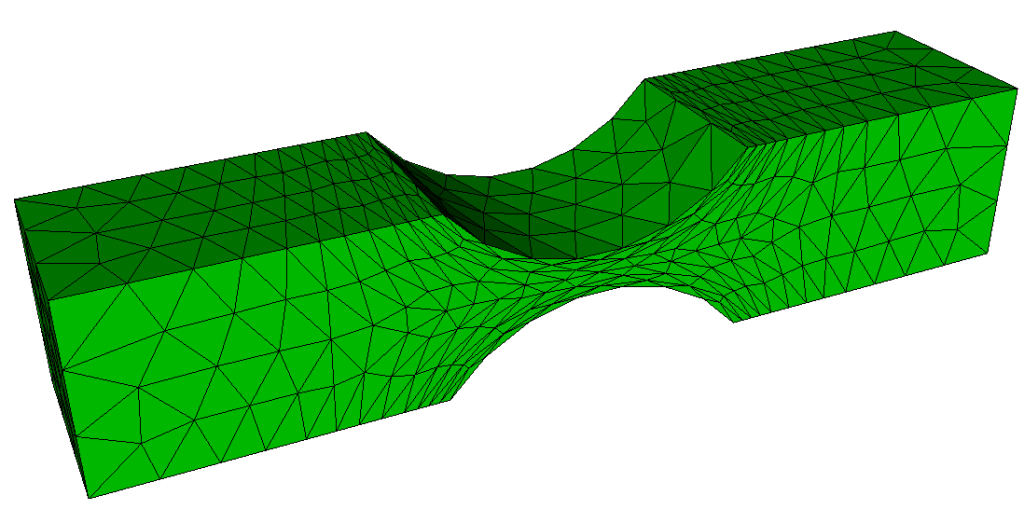
- Improved ability to create cohesive surface elements
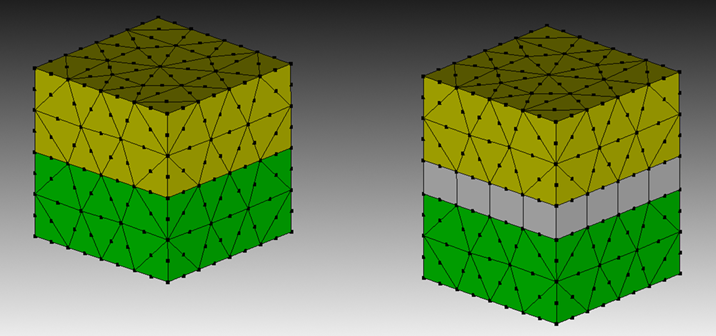
- Improved Robustness Sweeping with Redistribute Nodes
- Reduction in Memory and Increase in Performance in Sculpt Refinement
Geometry
- Improved robustness and performance of composite surfaces
Graphical User Interface
- Shrink visualization of higher order elements
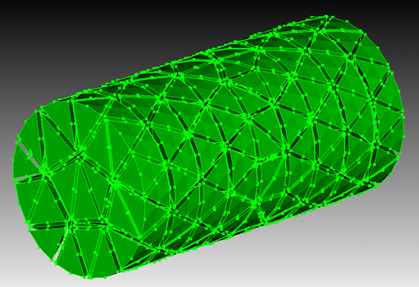
- Visualization of sideset pairs in contact
Input/Output
- Improved support for degenerate elements during import and export
- Faster opening of Cubit® files with assemblies
- Ability to import sidesets from I-DEAS UNV files
Miscellaneous
- Improved support for code blocks and multi-line statements for Python scripting
How to Get it…
Cubit® is available to anyone on the Sandia LANs. Cubit® 17.08 will now run automatically from the Linux command prompt, replacing Cubit® 17.06. It is also licensed free of charge for government use outside of Sandia. If you are a current Cubit® licensed user, you may get Cubit® 17.08 by visiting and following the instructions on the Cubit® Download page. See Cubit® Licensing for information on obtaining a license.
How You Can Learn More…
The Cubit® 17.08 Release Notes provide a description of all the new features included in Cubit® 17.08. For detailed information follow the links to the online users manual.
Classroom tutorials are advertised on the Cubit® Tutorial Webpage, where you can also find a download for self-guided tutorials.
For more information contact, Cubit® Product Owner Ryan Viertel.